
Why bundle items may appear as separate lines
When using a Mix & Match Build Offer with Cart Transform, bundle components may sometimes appear as multiple order lines, even when they are the same product and even when the Split items with multiple quantities setting is disabled.
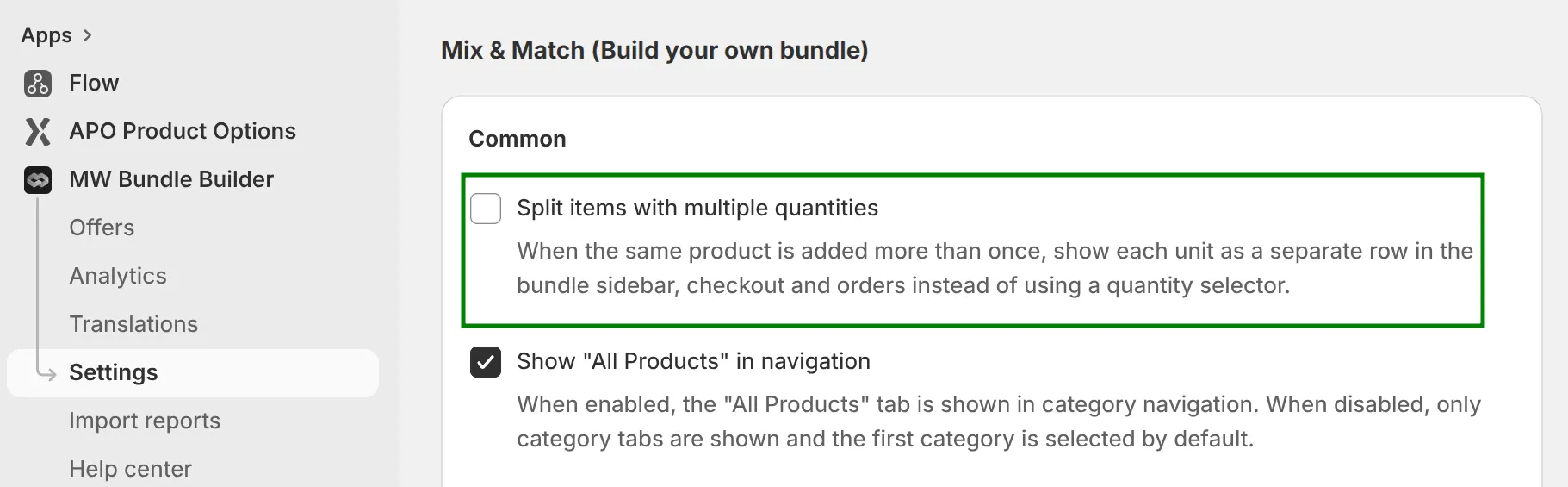
This usually does not mean that the bundle contents are incorrect. In most cases, it happens because the final bundle price must be distributed between the individual bundle components as accurately as possible.
Cart Transform expands the bundle product into its individual components while preserving the exact total amount that the customer should pay for the bundle. However, the final bundle price cannot always be divided evenly between identical items using two decimal places.
For example, if a bundle contains 3 identical products and the total amount that needs to be distributed between them is 10.00, it is not possible to assign the exact same price to each item:
3 × 3.33 = 9.99
In this case, the system needs to distribute the price in a way that keeps the final bundle total correct:
2 × 3.33 + 1 × 3.34 = 10.00
Because of this, the same product may appear in the order as two separate lines. For example, one line may have a quantity of 2 with a price of 3.33 per item, while another line may have a quantity of 1 with a price of 3.34.
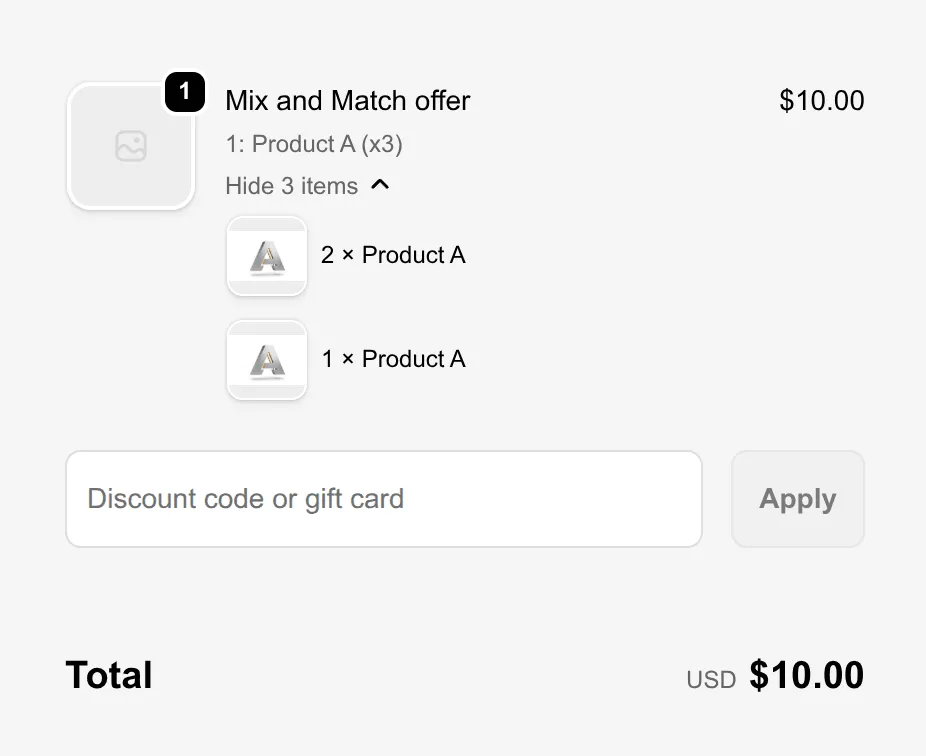
Visually, this may look like the product has been duplicated. In reality, it is a price allocation behavior that allows the order to keep the exact bundle total without creating a 0.01 rounding difference.
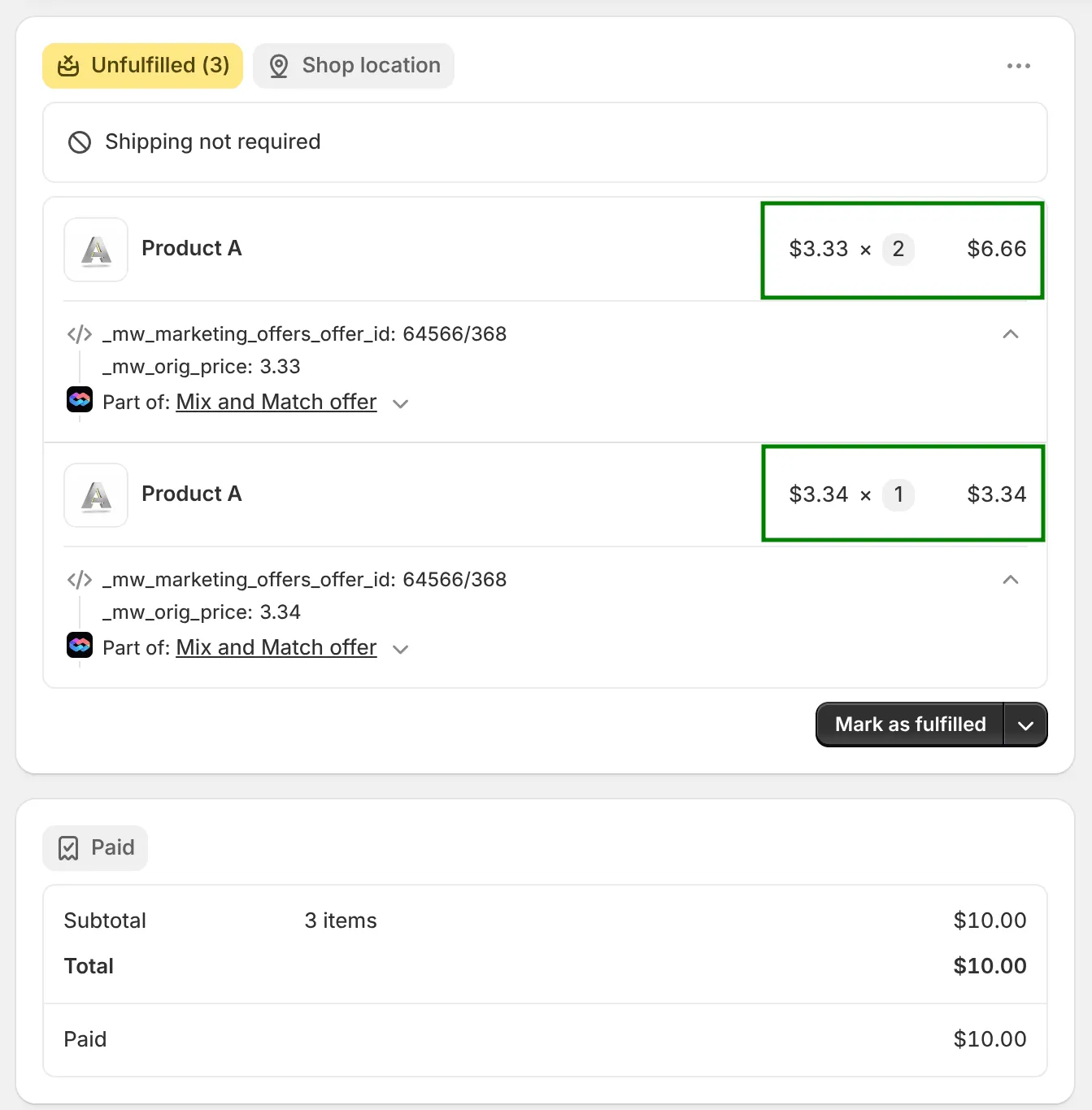
So, even when Split items with multiple quantities is disabled, identical bundle components may still be split into separate lines if they need different allocated prices to preserve the correct final bundle total.