
Bundle BuilderUsing the app
Product ratings
The Product bundles app allows you to enable the product ratings in bundles, cross-sells & upsells.
Supported reviews providers
Section titled “Supported reviews providers”We have the integrations with the following reviews apps:
- Shopify reviews
- Webtex product reviews
- Judge.me
- Loox
- Stamped
- Vitals
- Ryviu
- Junip
- Opinew
- Quoli ‑ Product Reviews
How to activate
Section titled “How to activate”In order to activate this feature follow the steps:
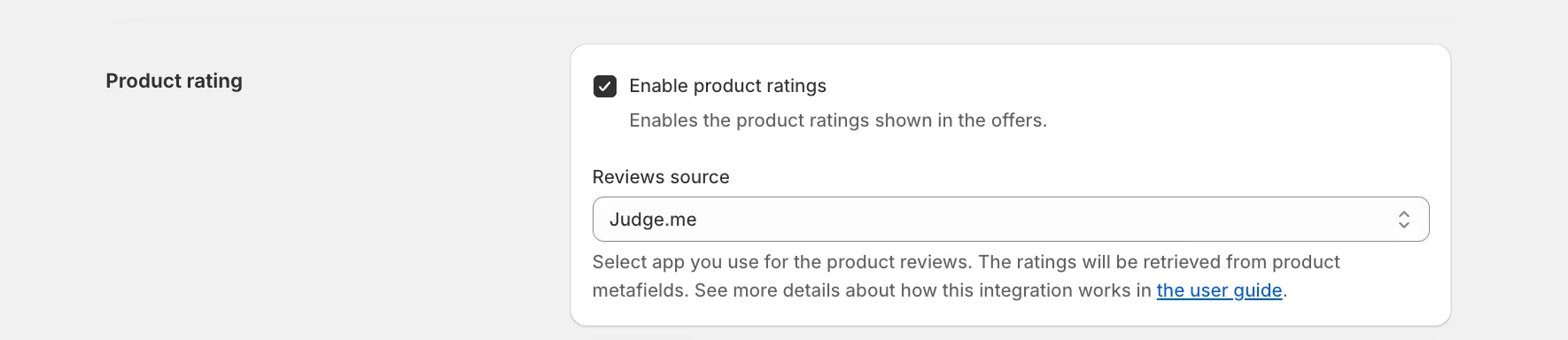
- go to the settings of Product bundles by Mageworx;
- scroll down to the ‘Product ratings’ section;
- select the setting ‘Enable product ratings’;
- choose your reviews provider;
- configure the color of the stars if necessary;
- Save the changes.
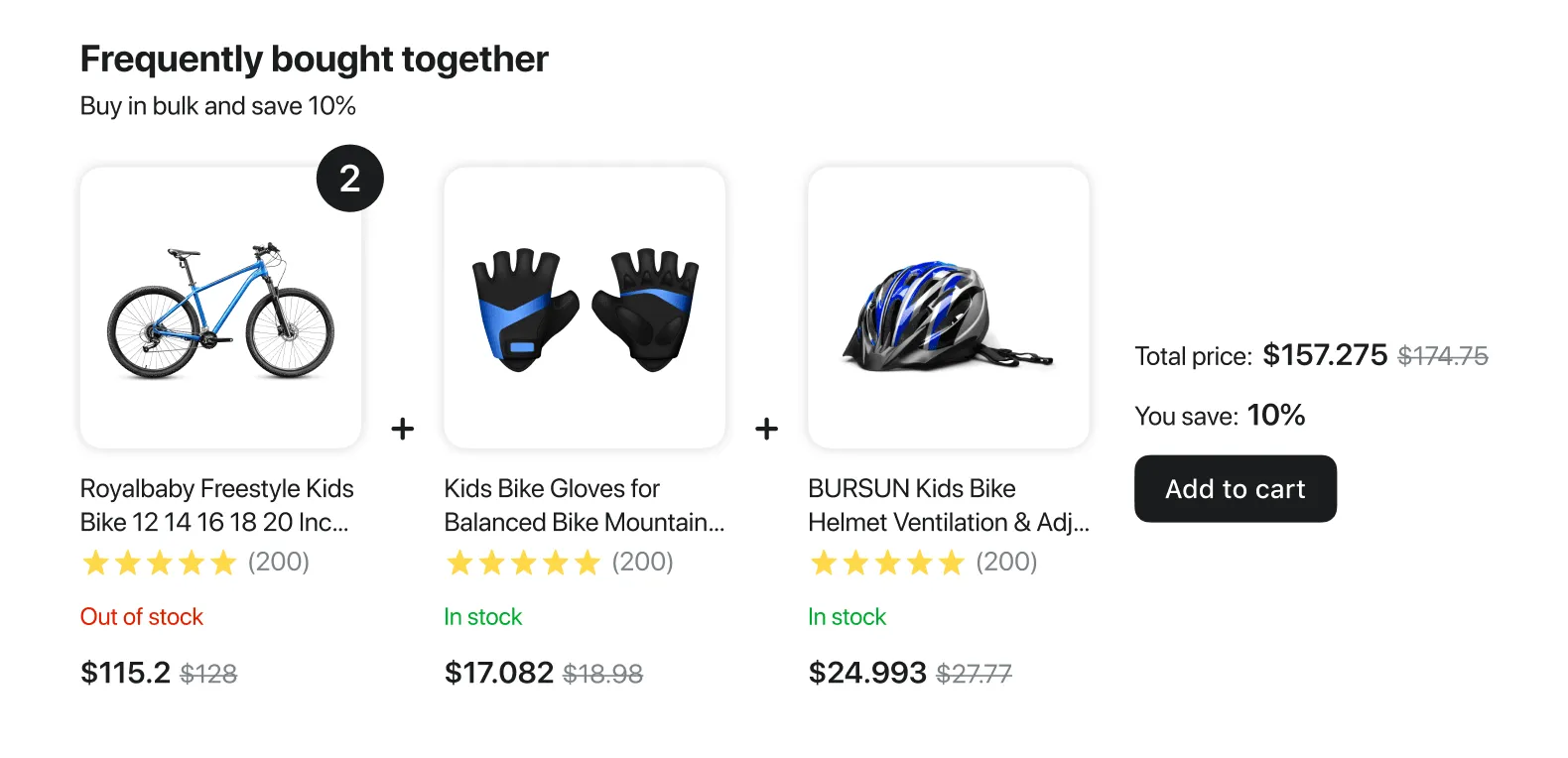
After that the products with the reviews will have the stars with a number of reviews in our widgets.
How the integration works
Section titled “How the integration works”We retrieve the product ratings from the corresponding product metafields. Here are the metafields used by these apps:
Shopify reviews, Webtex product reviews, Judge.me and Quoli:
Section titled “Shopify reviews, Webtex product reviews, Judge.me and Quoli:”- product.metafields.reviews.rating
- product.metafields.reviews.rating_count
- product.metafields.loox.avg_rating
- product.metafields.loox.num_reviews
Stamped:
Section titled “Stamped:”- product.metafields.stamped.reviews_average
- product.metafields.stamped.reviews_count
Vitals:
Section titled “Vitals:”- vitals.ratingValue
- vitals.reviewCount
Ryvio:
Section titled “Ryvio:”- ryviu.product_reviews_info
Junip:
Section titled “Junip:”- product.metafields.junip.rating_average
- product.metafields.junip.rating_count
Opinew:
Section titled “Opinew:”- product.metafields.opinew_metafields.reviews_average
- product.metafields.opinew_metafields.reviews_coun