How to check which offers use a product
If you’re not sure which offers are connected to a specific product, you can quickly check it directly in your Shopify admin.
Steps:
Section titled “Steps:”- Go to Shopify Admin → Products
- Open the product you want to check
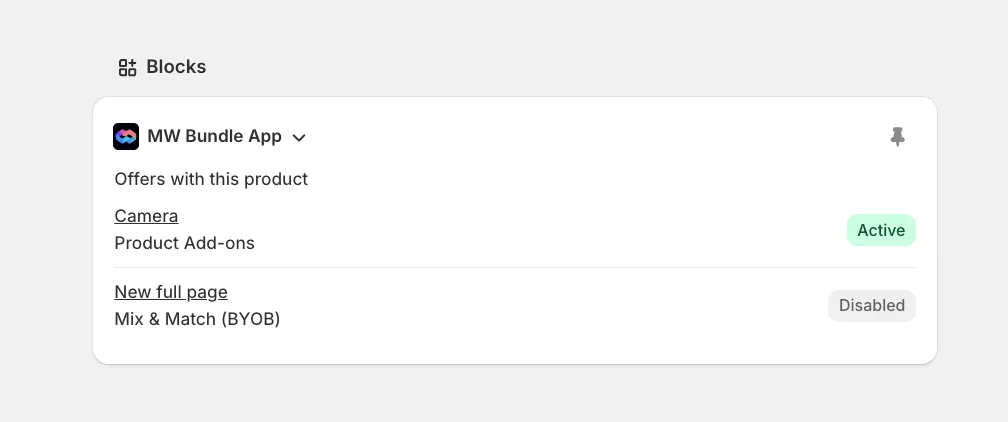
- Scroll down to the Blocks section
- Find and expand the MW Bundle App block
- Inside, you’ll see all offers where this product is used