Bundle BuilderUsing the app
Developer settings
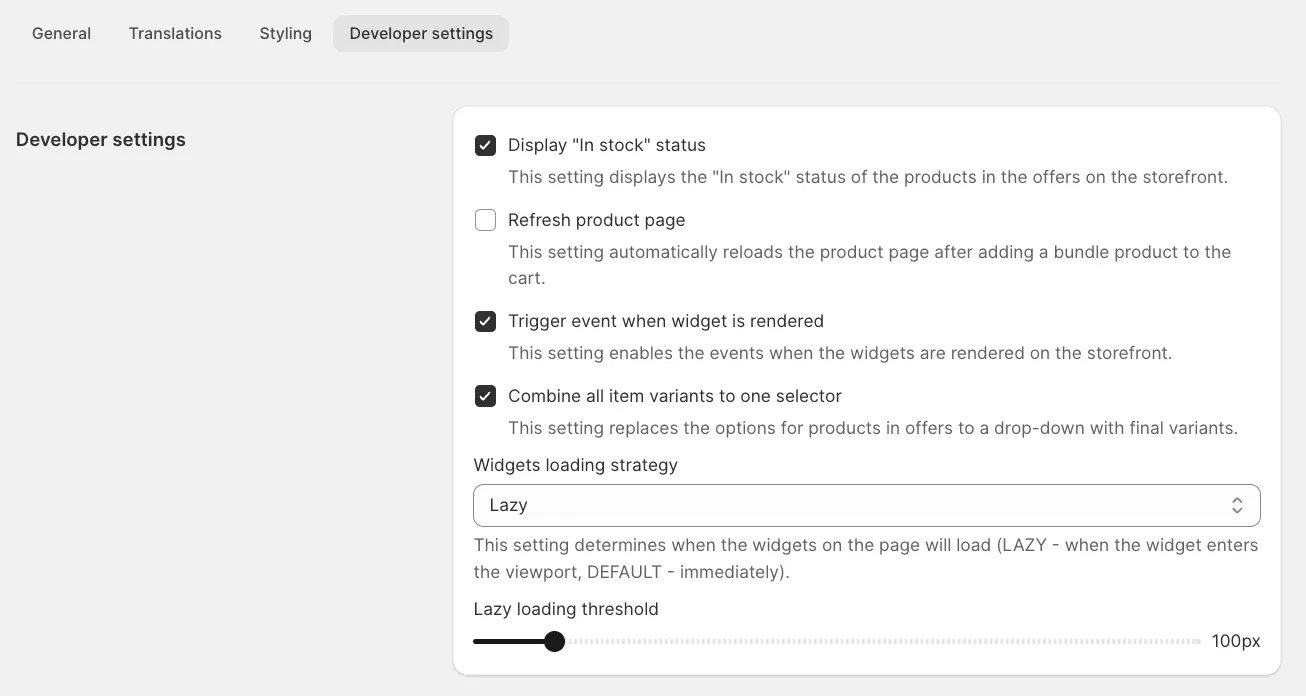
Here, you can manage advanced “Developer settings” such as:
- Display “In stock” status: Shows the product availability on the storefront.
- Refresh product page: Automatically reloads the page after adding a bundle product to the cart.
- Trigger event when widget is rendered: Enables events when widgets are displayed.
- Combine all item variants to one selector: Replaces product options with a drop-down for final variants.
- Widgets loading strategy: Controls when widgets load (LAZY for viewport entry, DEFAULT for immediate loading).