Bundle BuilderUsing the app
Cross-sells
Cross-selling in Shopify refers to the practice of promoting related or complementary products to a customer based on what they are currently viewing or purchasing.
To create a cross-sell offer (product recommendations) click on Create offer button and select Cross-sells in the pop-up with the offers’ types.
Offer name
Section titled “Offer name”Internal name of your offer.
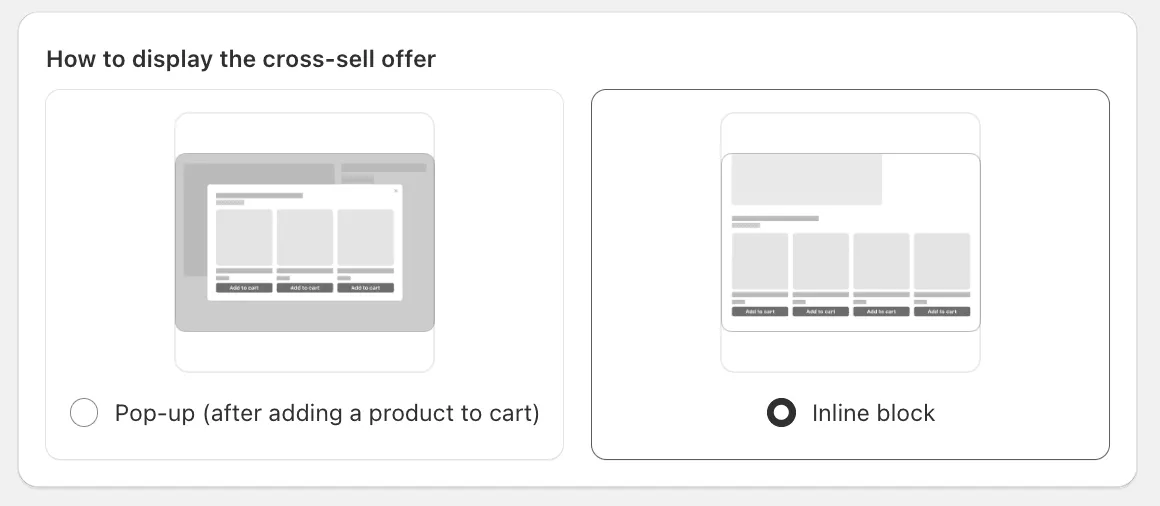
How to display the cross-sell offer
Section titled “How to display the cross-sell offer”This setting defines how to show the product recommendations:
- In the pop-up after adding the main product to the cart;
- In the block embedded in the product page.
Products
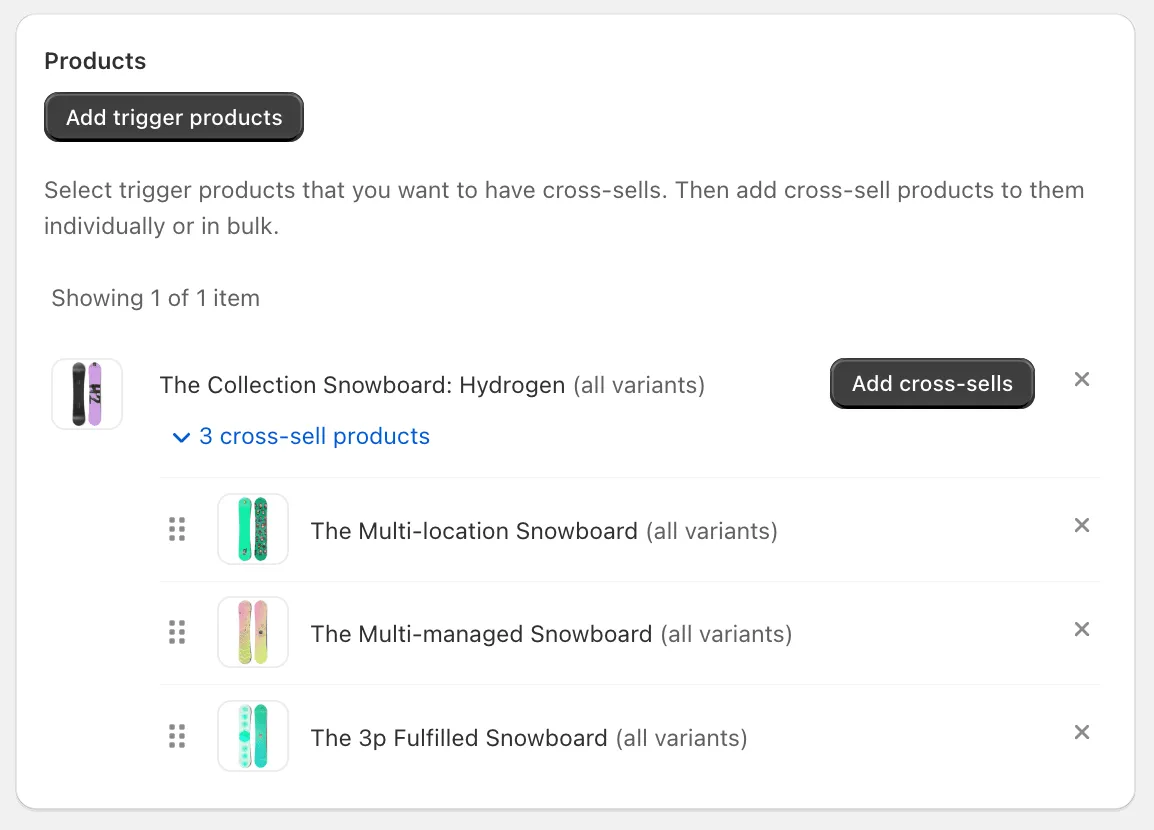
Section titled “Products”Here you can choose the trigger products and products recommendation for them. You can add the product either with specific variants or all variants.
- Trigger product - main products for which you want to add the recommendations;
- Cross-sell products - the products you want to show as the recommendations.
To change a position of a product in the bundle, just use the drag&drop icon and move the product to the necessary position.
To remove a product, click the X symbol.
Customize offer
Section titled “Customize offer”To change the title and the description of the bundle offer block on the storefront, switch to Translations tab within the offer. See more details in the Translations section
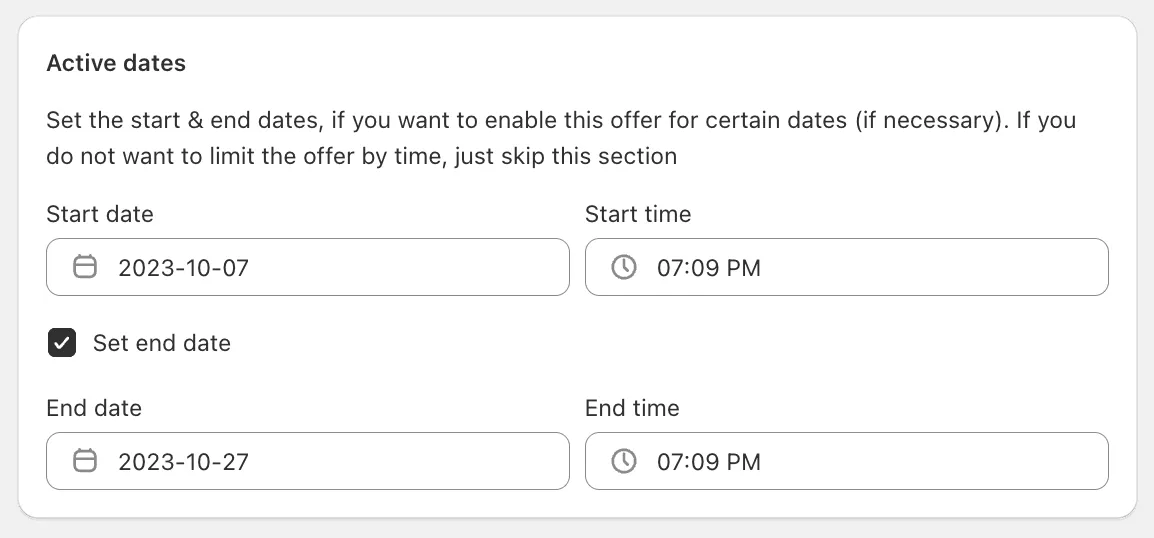
Active dates
Section titled “Active dates”Here you can set the necessary start/end dates. By default the start date is set to the current date. These settings might be useful if you need to create time-limited offer or to schedule the offer for future dates.
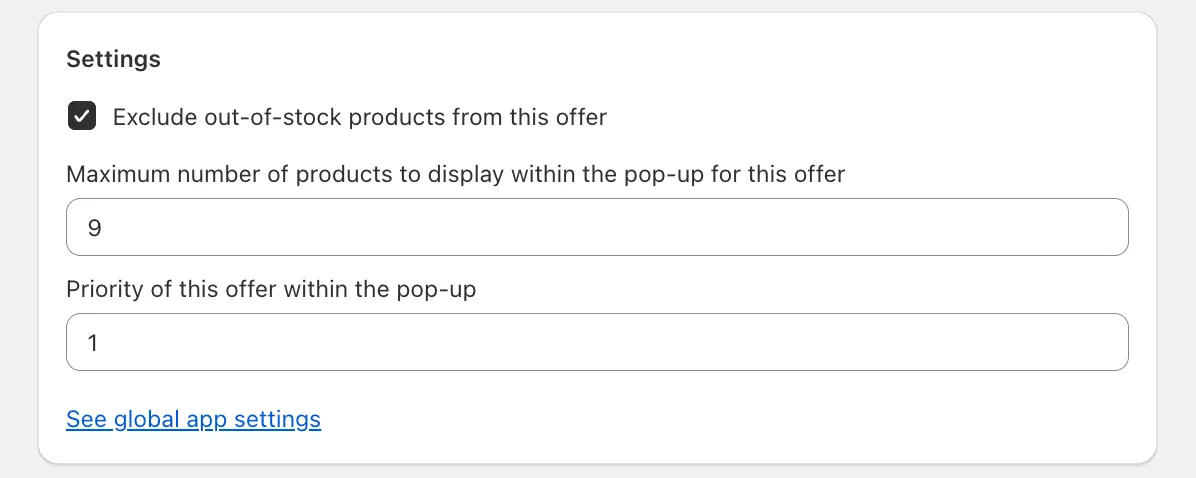
Settings
Section titled “Settings”- Exclude out-of-stock products from this offer - this setting hides the sold out products from the recommendations;
- Maximum number of products to display within the pop-up for this offer - this setting limits the number of products shown as the recommended in the pop-up;
- Priority of this offer within the pop-up - this setting defines the priority of the current cross-sell offer if multiple offers are eligible.
Summary
Section titled “Summary”You can see here all details of the current cross-sell offer along with its performance over the past 30 days.
Front-end
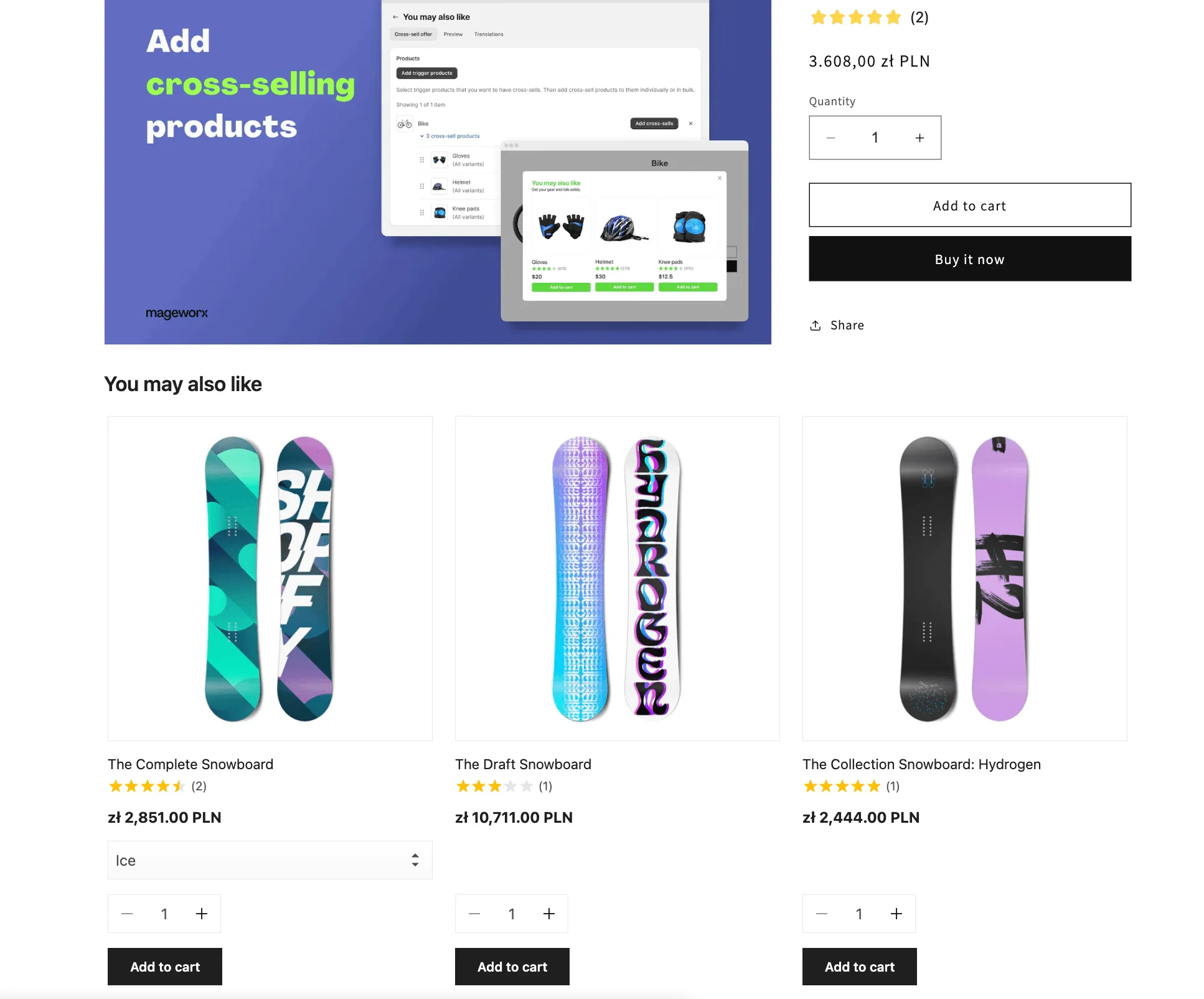
Section titled “Front-end”See how the product recommendations look on the storefront.
Pop-up
Section titled “Pop-up”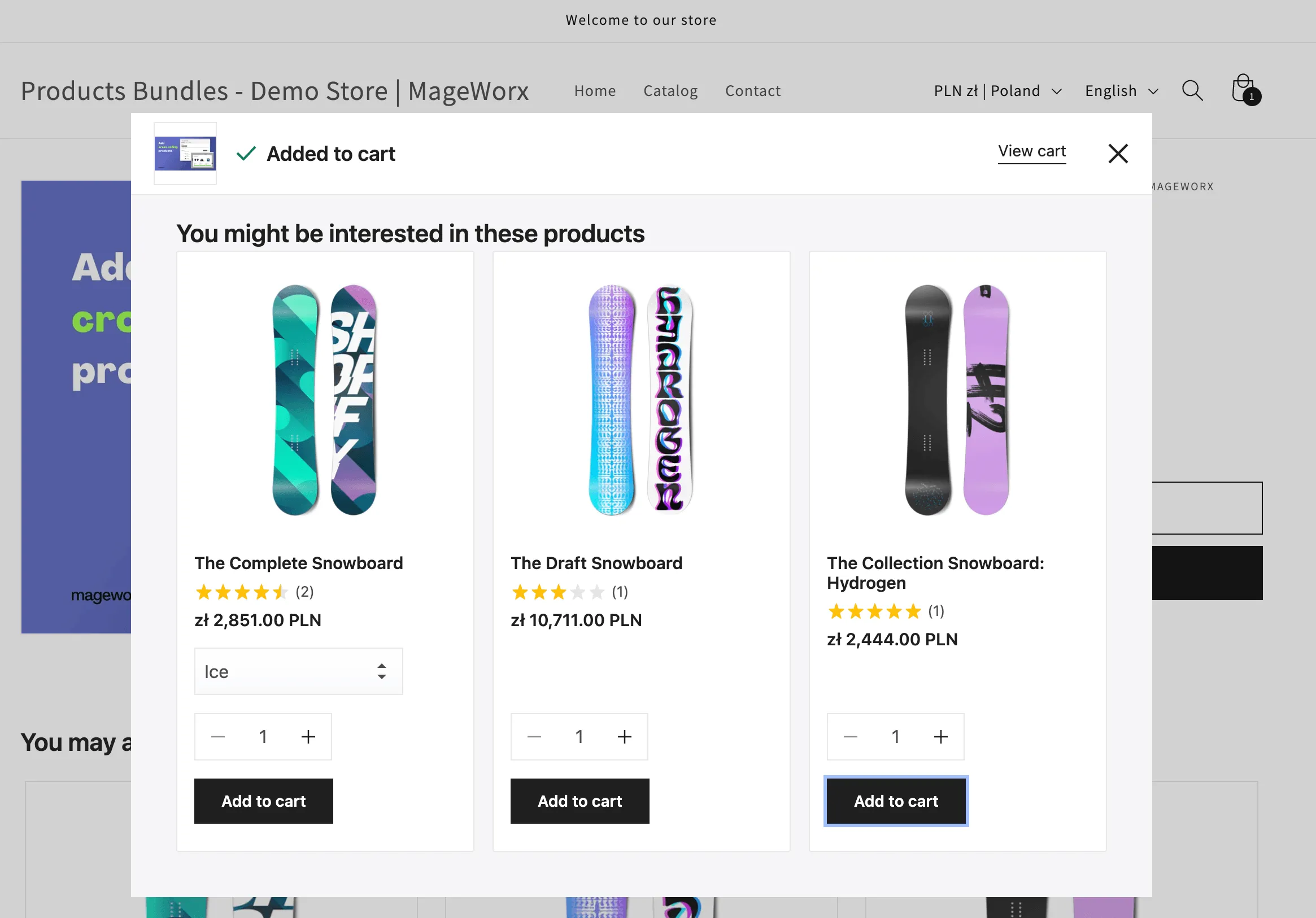
Inline block
Section titled “Inline block”