Advanced Product OptionsWhat's new
Copy an option to another option set
You can now copy an option to another option set in just a few clicks.
All values, logic, and settings are duplicated exactly as configured - no need to rebuild anything manually.
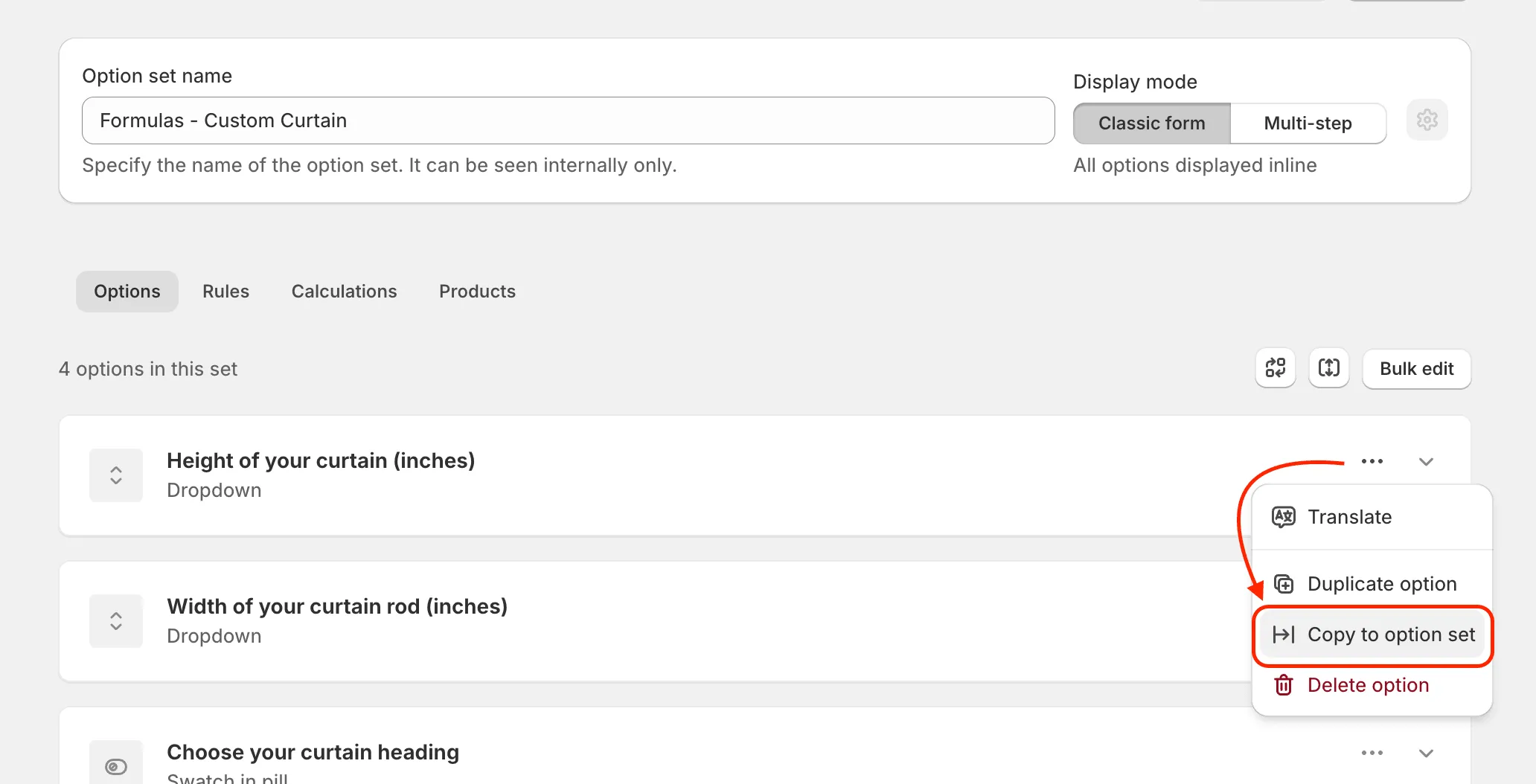
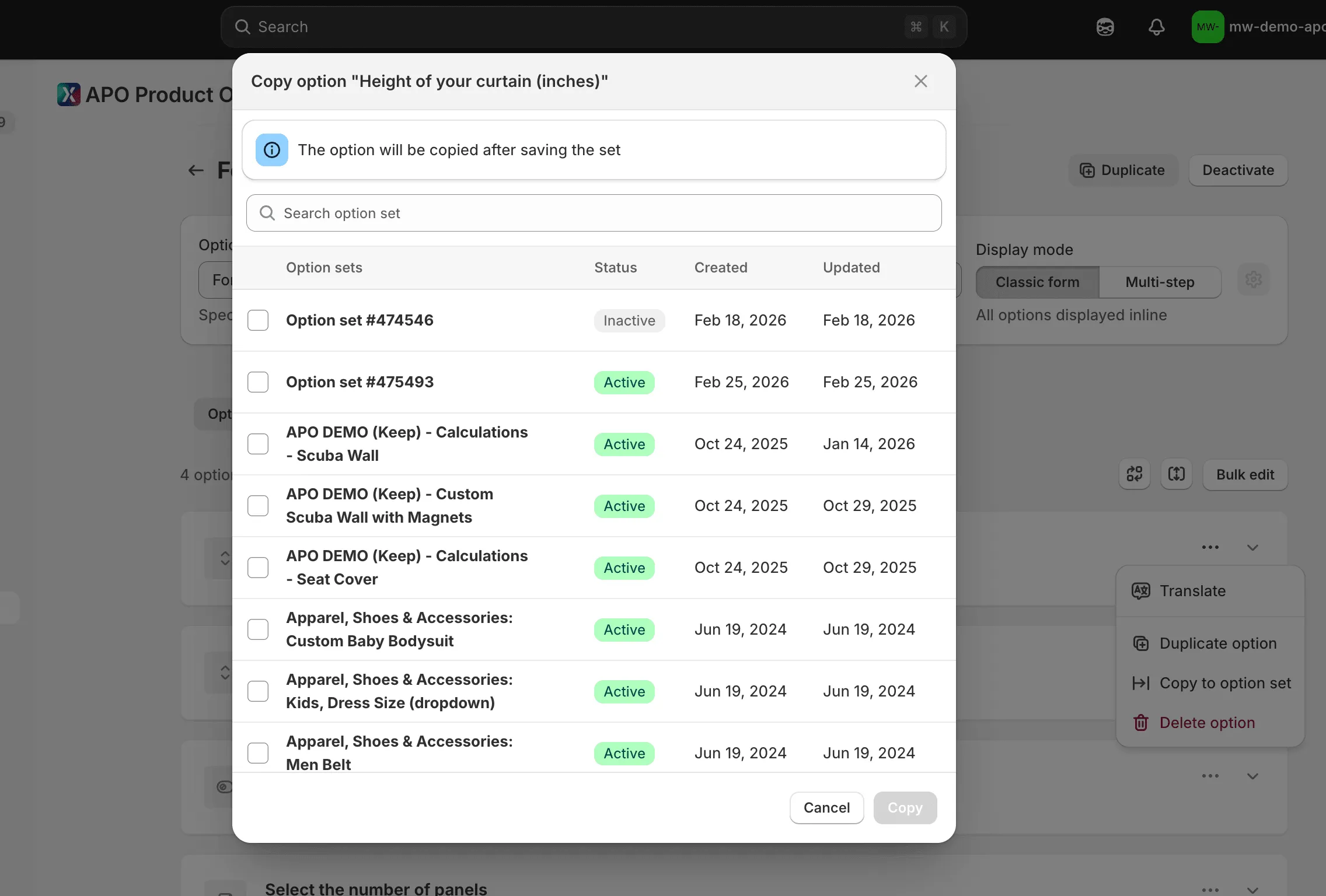
Simply choose “Copy to option set”, select the destination set, and the option will be added after saving. Built for teams managing multiple similar setups across products.
Available in the Growth plan.