
Advanced Product OptionsUsing the app
Case 3: Create backups
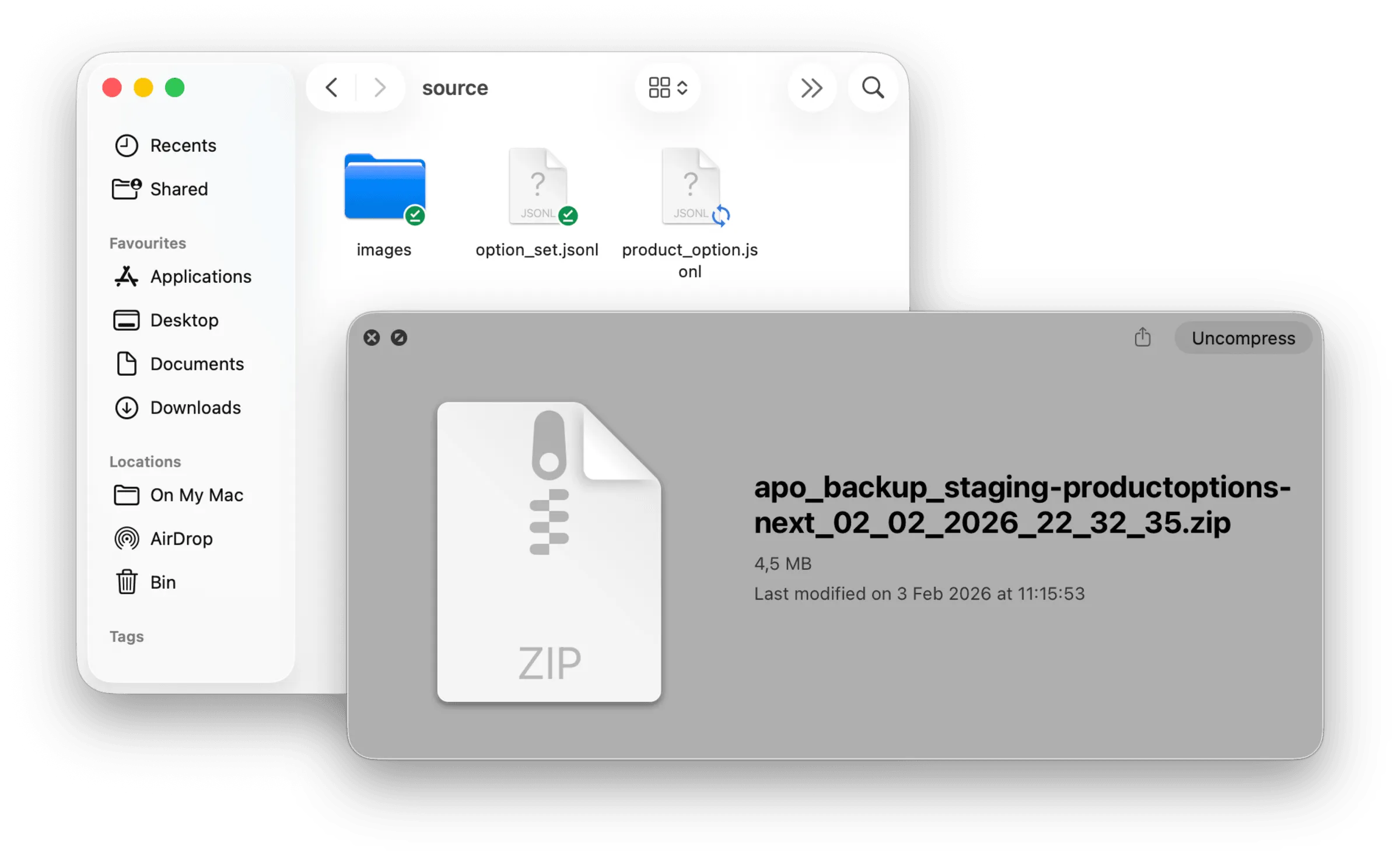
Use this scenario when you want a full safety copy before making changes.
Why backups are important
Section titled “Why backups are important”Backups include everything, not just what CSV can export. A backup stores the entire APO configuration, including:
- option sets, options, and values
- options assigned directly to products (not via option sets)
- rules, formulas, and conditions
- display and presentation settings
- translations
- internal option and value parameters
- all related image files
CSV export does not include all of this. Backups are the only way to fully restore your setup.
Important limitation
Section titled “Important limitation”How to create a backup
Section titled “How to create a backup”You can create a backup in three ways, depending on your scope.