Advanced Product OptionsUsing the app
Case 4: Restore from backup
Use this scenario when you need to recover your APO setup from a previously created backup. Restore from backup if:
- a CSV import produced unexpected results
- option sets or product-level options were deleted
- configuration changes need to be undone
- you want to duplicate a previous setup
Restore never overwrites existing data.
Section titled “Restore never overwrites existing data.”Restoring a backup:
- recreates option sets and product-level options
- restores all rules, formulas, settings, and files
- uses the backup as a complete source of truth
All restored data is created as new configurations. This allows safe recovery without breaking current setups.
How to restore from a backup
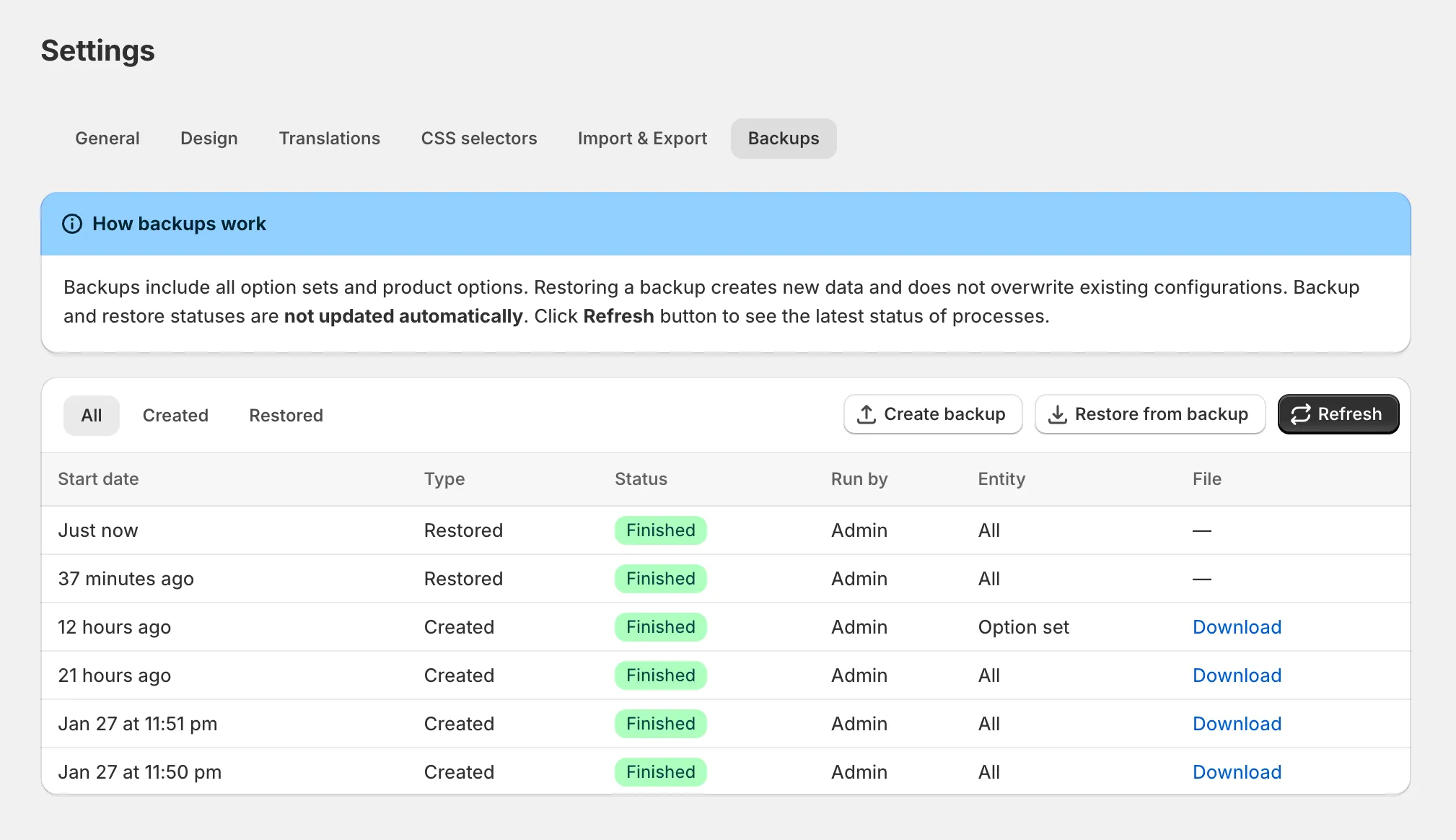
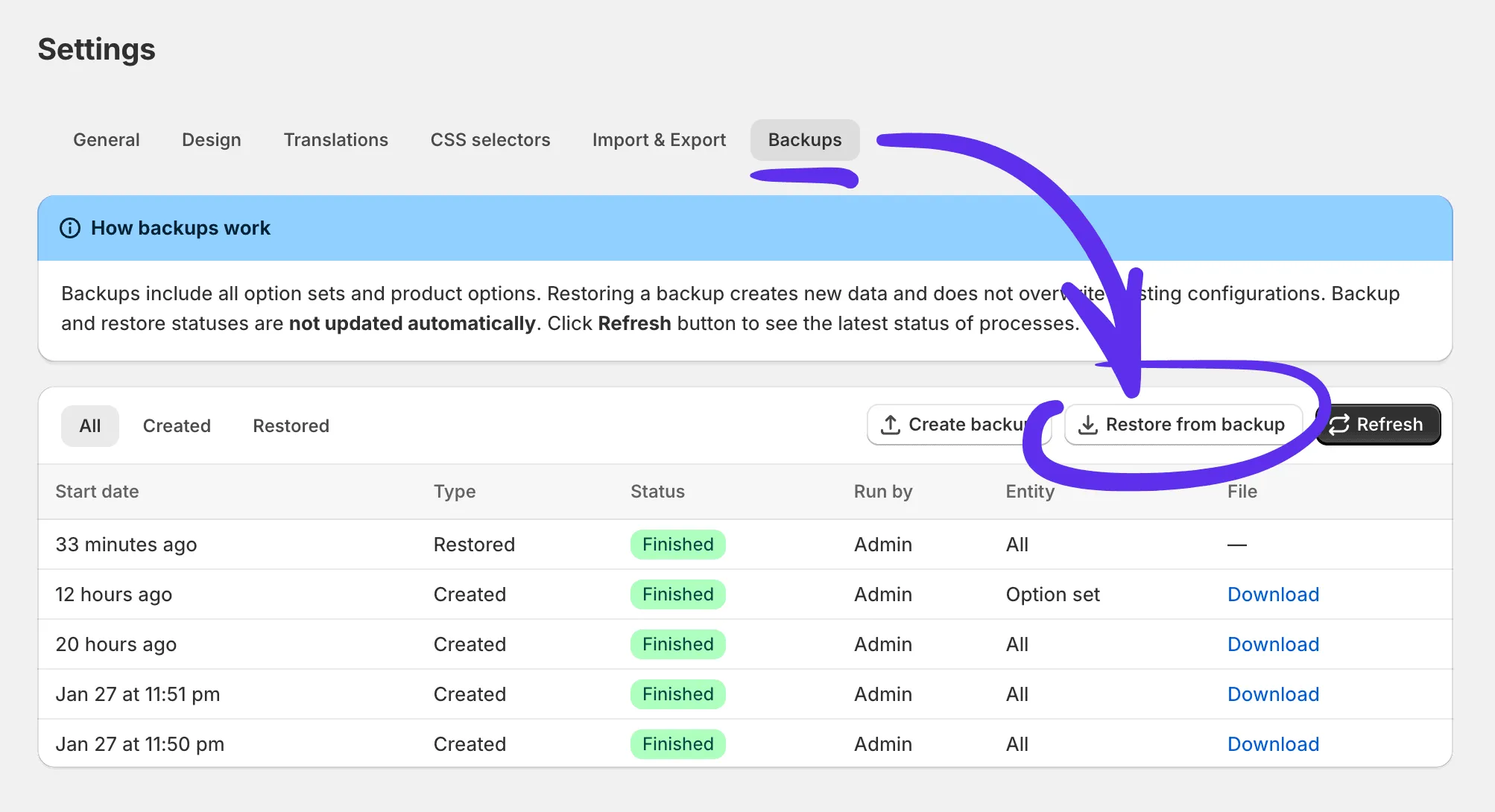
Section titled “How to restore from a backup”- Go to Settings → Backups
- Click Restore next to the backup you want to use
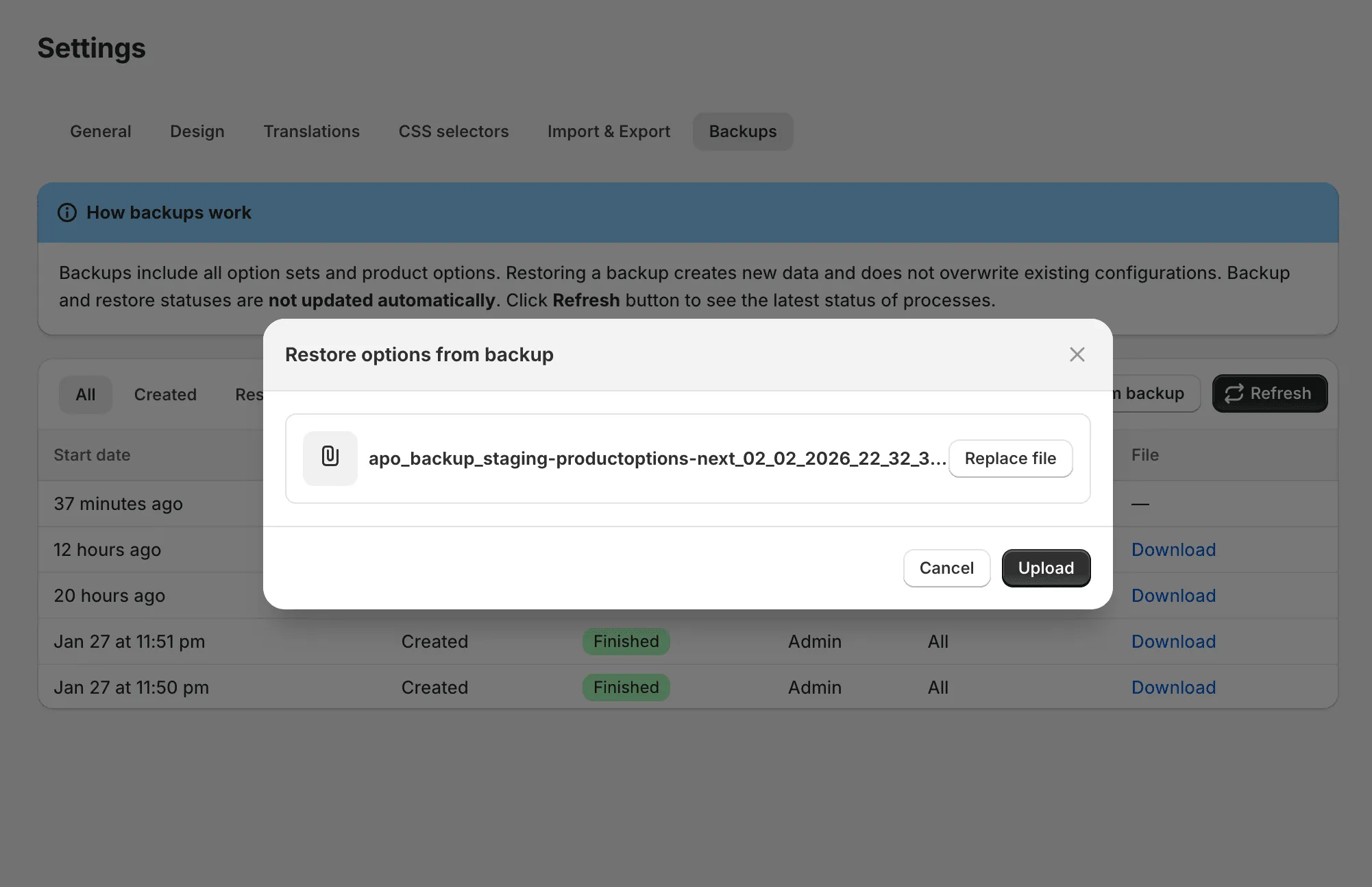
- Upload the original backup file
During restore
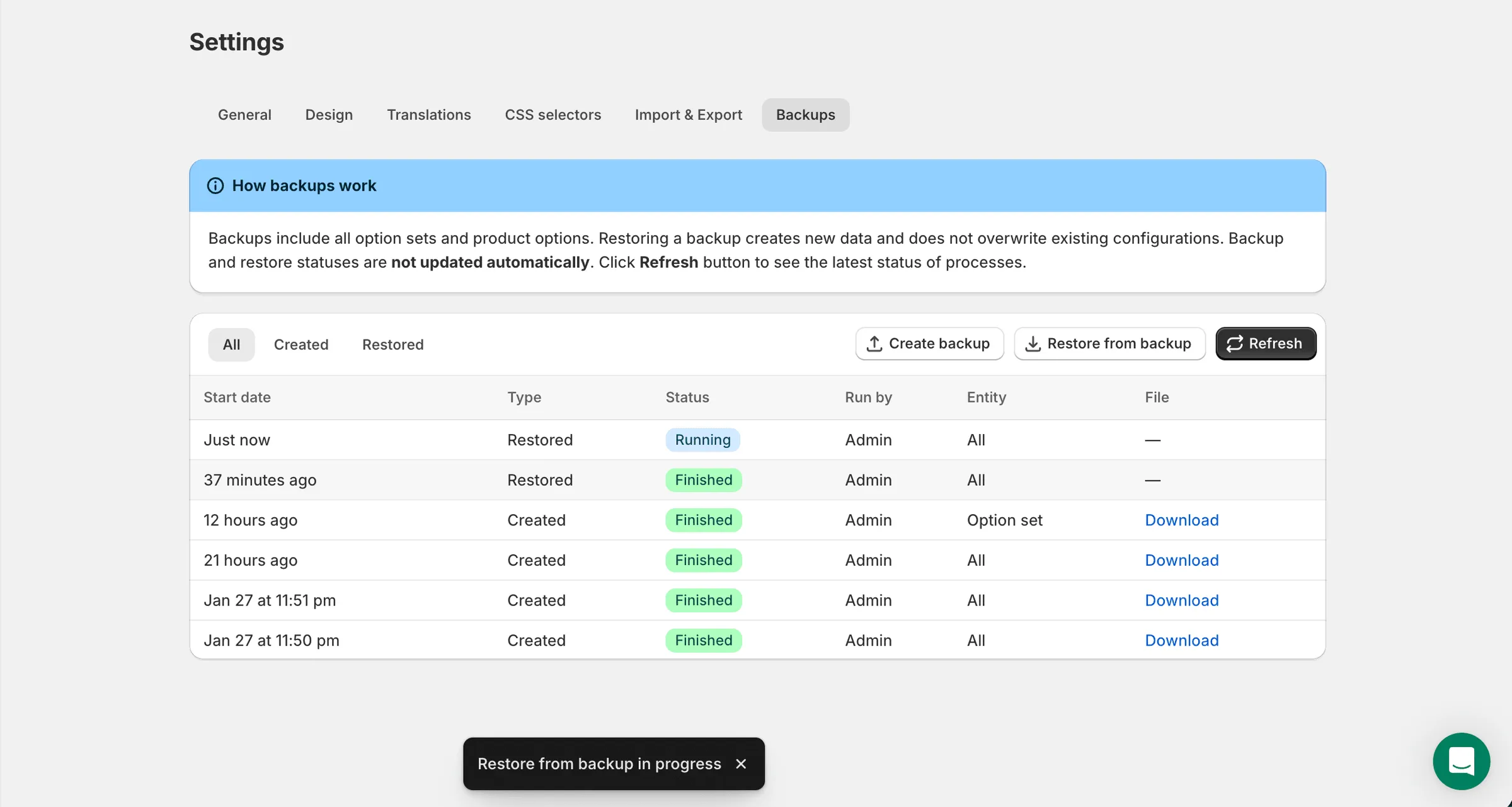
Section titled “During restore”Restore runs in the background. You can continue working in the admin while it is processing.
To see the latest status, go to Settings → Backups and click Refresh. Restore statuses are not updated automatically.