Advanced Product OptionsUsing the app
Add-on Product
This setting allows you to link option values to existing products/variants from your catalog. The linked product will be retrieved from the Shopify backend and added to the order as a separate line item. You may find this feature useful if you need to offer an accessory in addition to the master product.
Please keep in mind that you cannot modify the attributes of the linked products/variants, meaning they will be purchased at their original attributes pulled out from the Shopify backend.
Add “Add-on product”
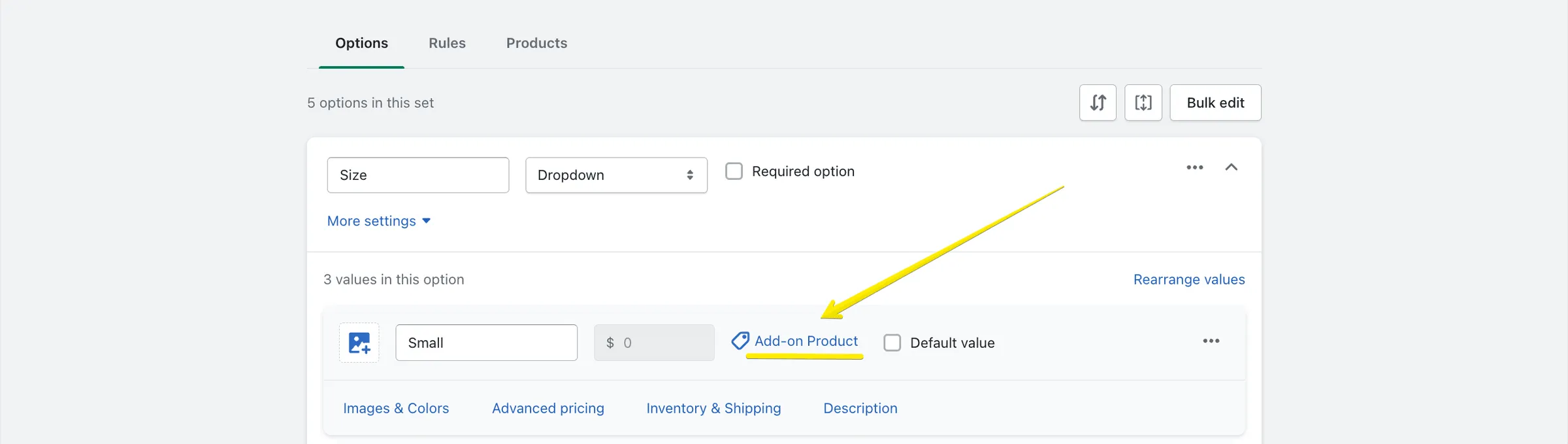
Section titled “Add “Add-on product””To link an option value to a product/variant:
- Click the “Add-on Product” button:
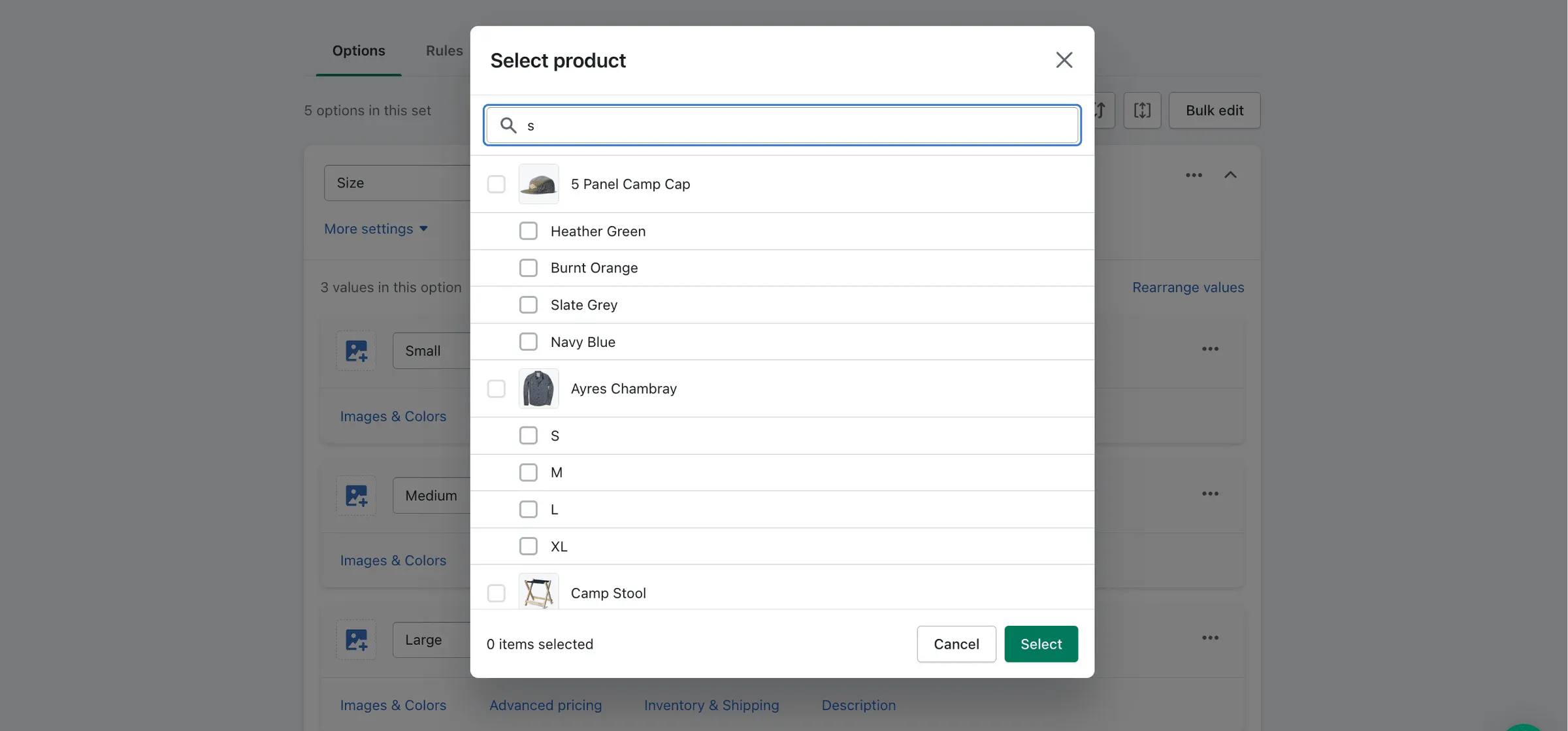
- Select a product/variant to link from the modal window. Use the search by title if needed:
After selecting the product/variant, its data will be pulled out and autofill the corresponding fields:
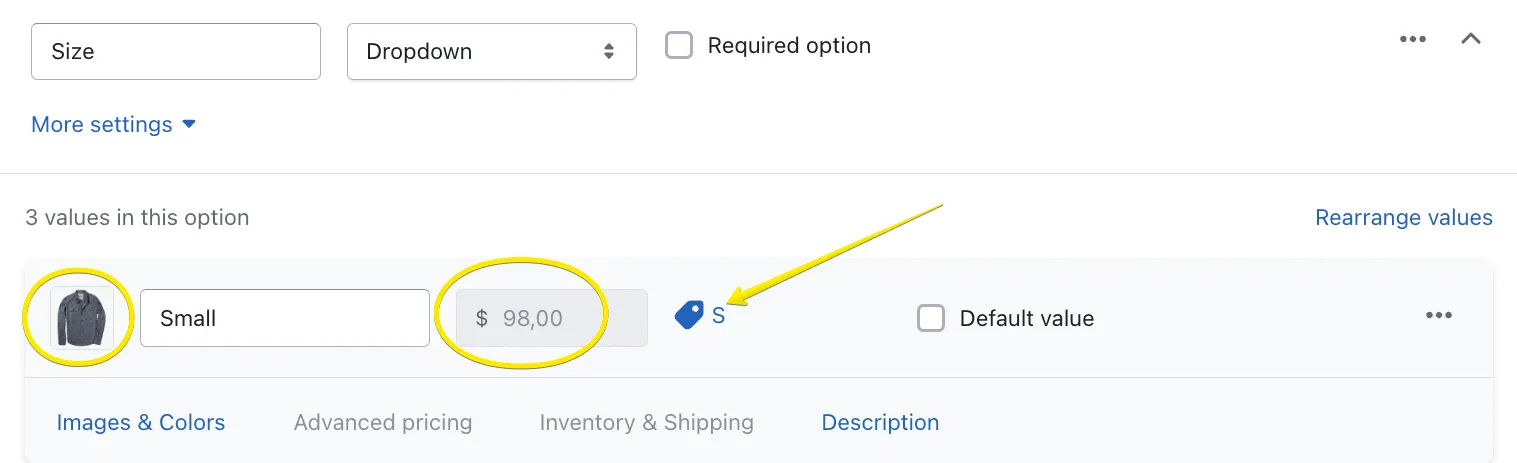
You can upload a new image to represent this option value on a product page if needed. However, the original image will be used when the product is purchased.
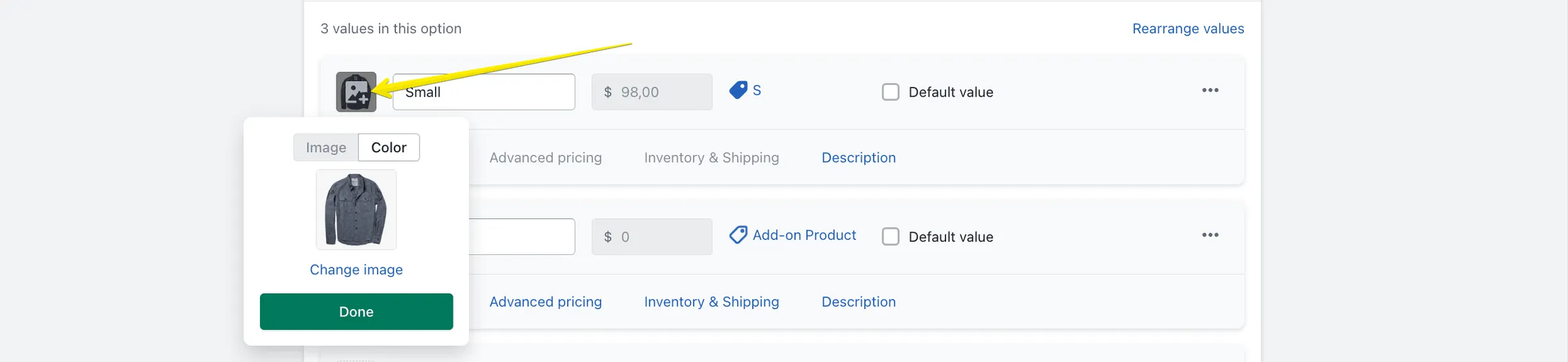
Remove “Add-on Product”
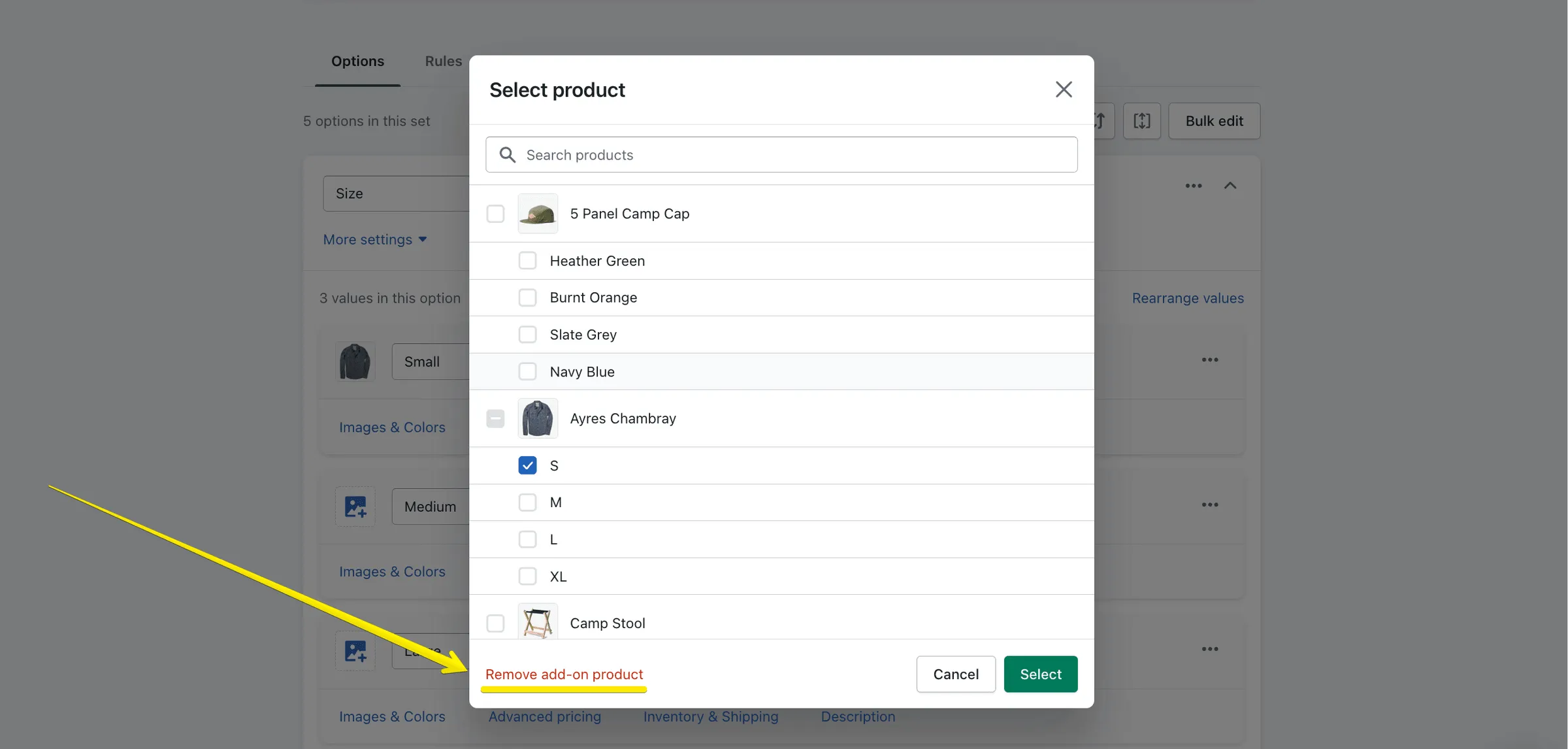
Section titled “Remove “Add-on Product””- To delete the product/variant you linked, click its title:
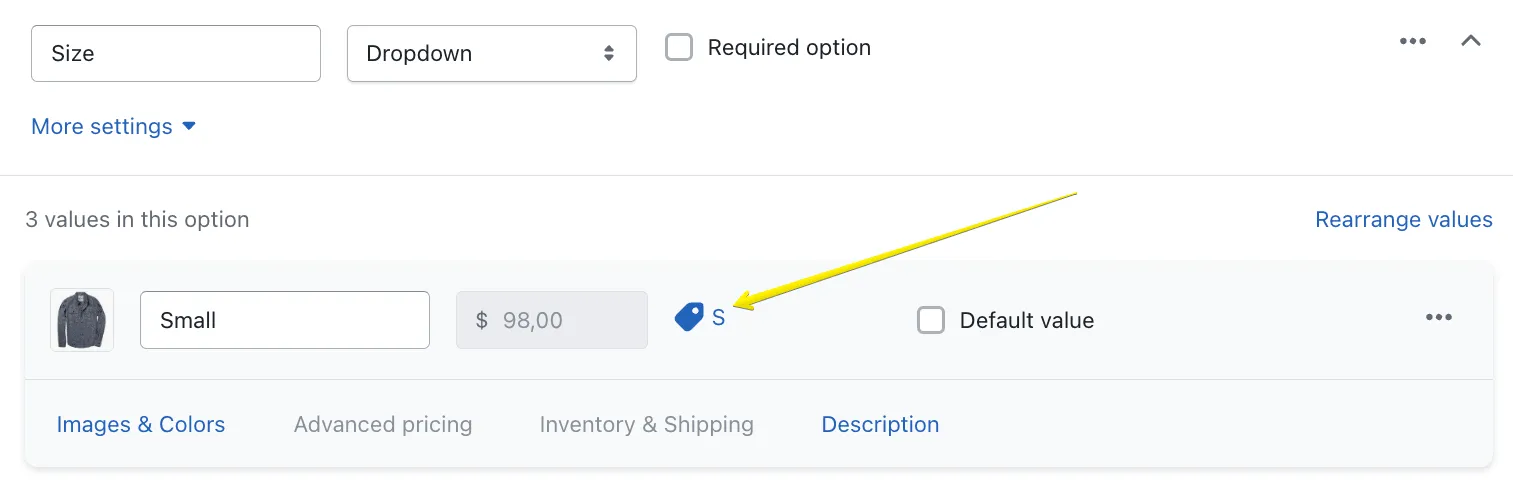
- Use the “Remove Add-on product” red link and close the window: