Advanced Product OptionsWhat's new
Keyboard shortcuts
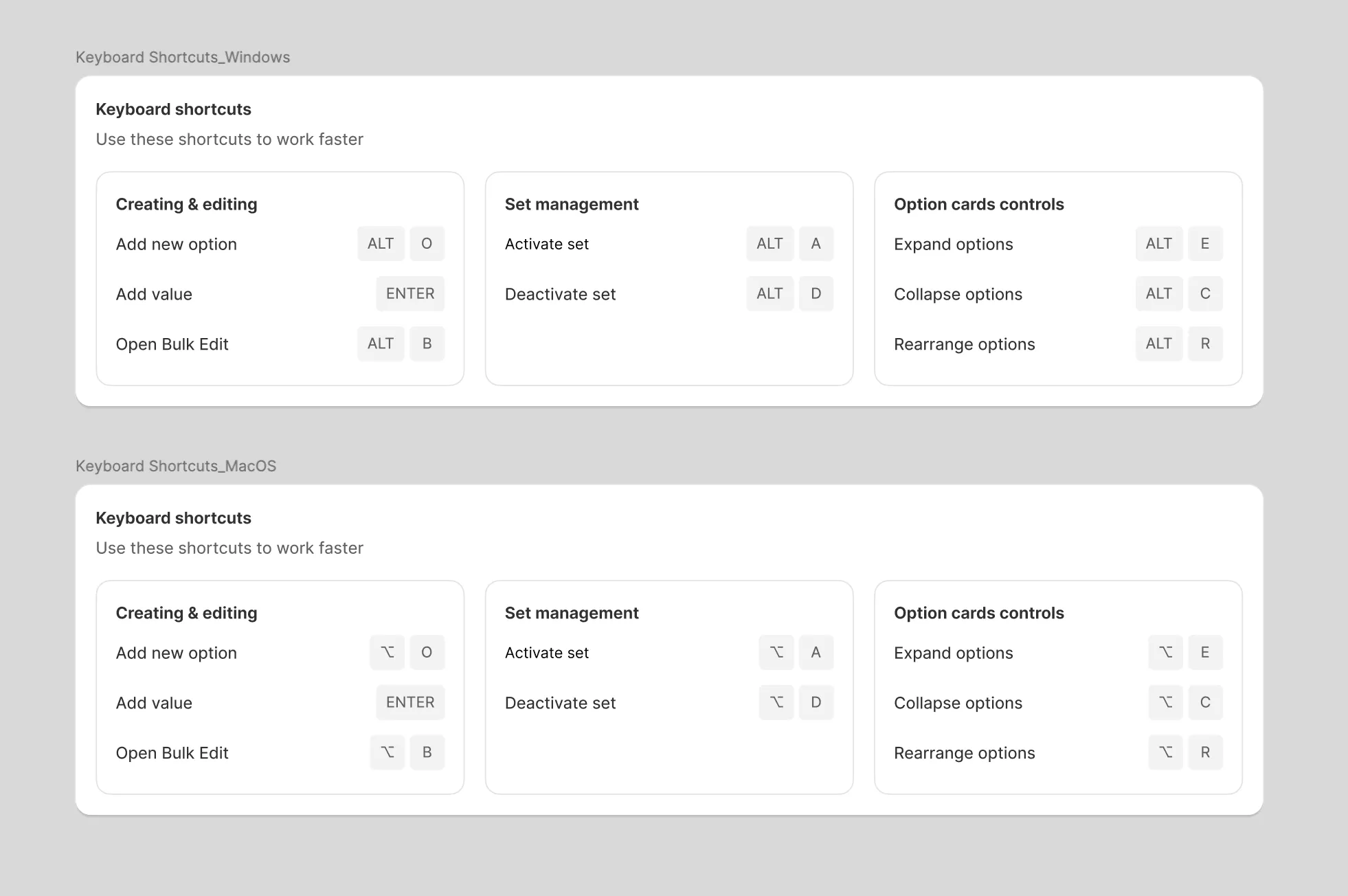
Keyboard shortcuts are now fully available in the APO admin. They help you work faster when creating or editing options, switching between elements, or managing whole sets — no mouse needed.
Shortcuts work on both macOS and Windows
(Windows uses Alt instead of ⌥ Option).
Main shortcuts:
- Add option: ⌥ / Alt + O
- Add value: Enter
- Open Bulk Edit: ⌥ / Alt + B
- Expand options: ⌥ / Alt + E
- Collapse options: ⌥ / Alt + C
- Rearrange options: ⌥ / Alt + R
- Activate set: ⌥ / Alt + A
- Deactivate set: ⌥ / Alt + D
The full list is always available in the APO Help Center.