Advanced Product OptionsWhat's new
Table view
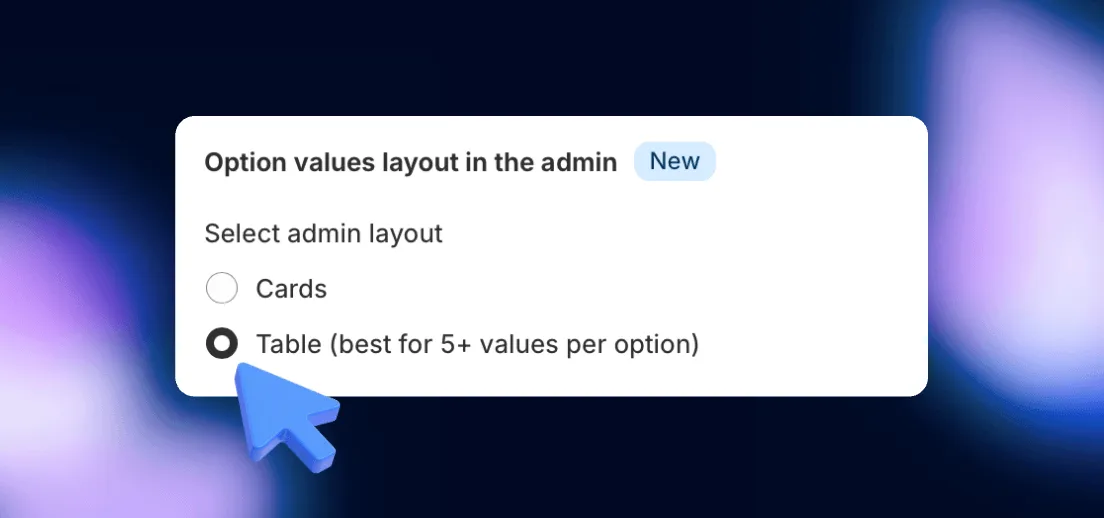
Manage product options more efficiently with the new Table View. Designed for stores with multiple values per option, this layout provides a clearer and more structured way to edit, compare, and adjust options.
How to Switch to Table View?
1️⃣ Go to General Settings in your APO admin panel.
2️⃣ Find “Option values layout in the admin” section.
3️⃣ Select Table View instead of Cards.