Advanced Product OptionsWhat's new
Swatch image optimisation
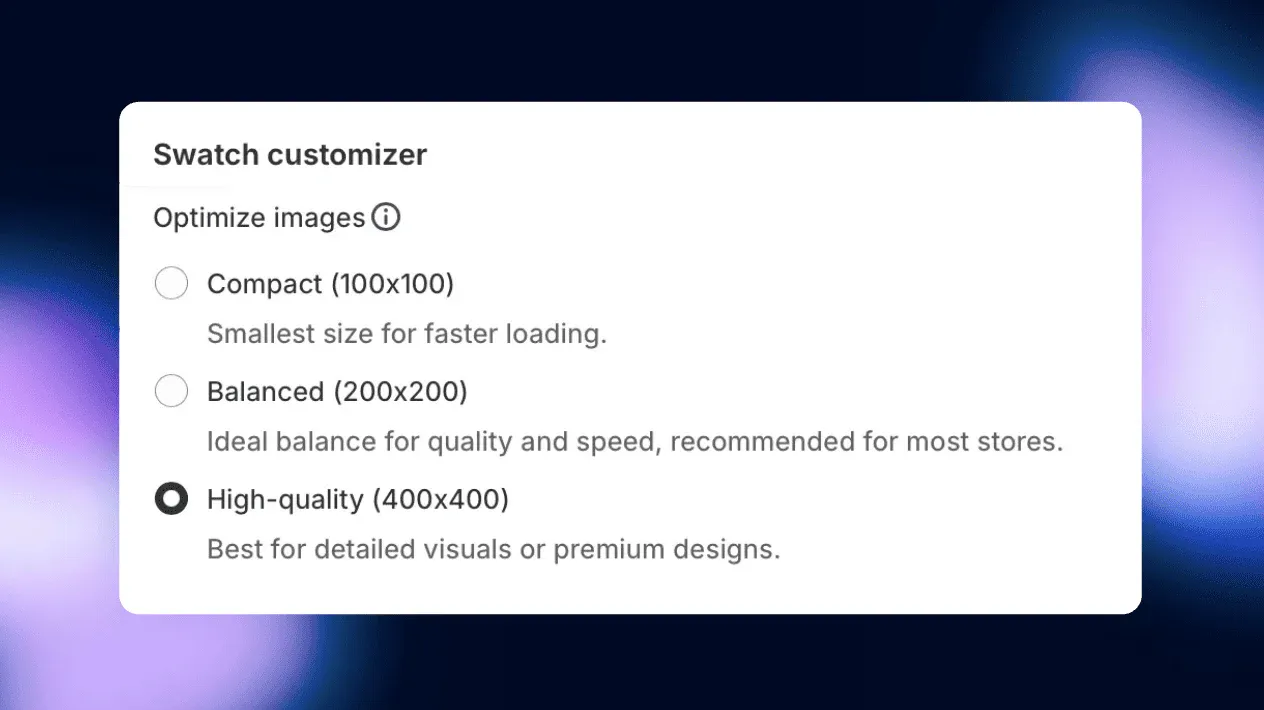
We’ve added a global setting that lets you choose the optimal swatch image size based on your store’s needs.
You can now select between:\
- Compact (100x100) for faster loading, \
- Balanced (200x200) for an ideal mix of speed and quality,\
- High-quality (400x400) for the most detailed visuals.
This ensures better control over image performance while maintaining sharp product displays. Configure this under Settings > Design settings > Swatch customizer.